

Most business owners treat the platform question as a technicality. It isn't. The platform you choose affects:
- How fast your site loads — which directly affects how many visitors leave before they read a word
- How much maintenance you'll pay for — every plugin update, every security patch, every "it broke again" call to a developer
- Whether you can update it yourself — or whether you're held hostage to a developer for every copy change
- How well it ranks in Google — page speed is a confirmed ranking factor; performance differences between platforms are real
Platform is not a detail. It's a structural decision you'll live with for the next 3–5 years.
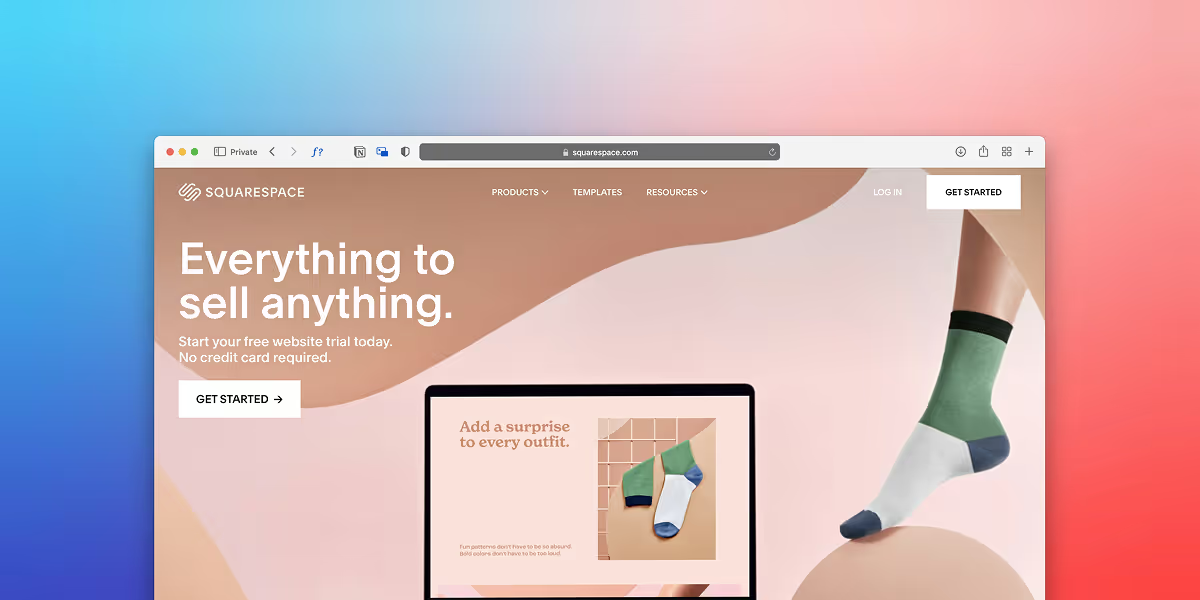
Best for: New businesses, tight budgets, no tech experience, "I just need something live this week."
Squarespace and Wix are template-based builders that get you online fast without a designer. For a brand new business with no budget and no traffic yet, they're the right call.
The reality after 12–18 months:
- You've hit the ceiling of what the template can do
- Your site looks like a Squarespace site (visitors can tell)
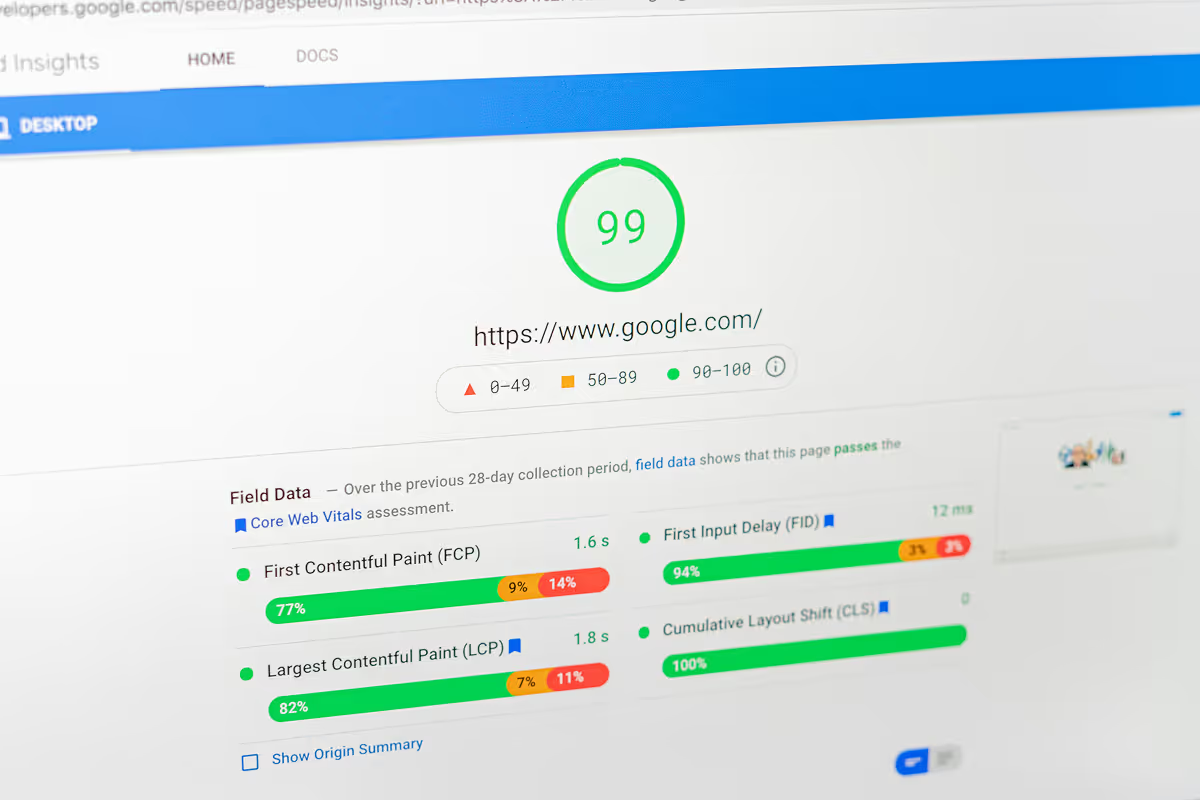
- Load times are mediocre and your PageSpeed score reflects it
- =You can't make the specific layout change your business actually needs without switching templates entirely
- You're paying $20–$50/month forever for a site that's increasingly holding you back
This isn't a knock on Squarespace — it does exactly what it promises. The problem is that growing businesses outgrow it fast, and migrating away later costs more than building on a better platform from the start.
PageSpeed (typical mobile): 45–65
Monthly cost: $23–$65 USD
Update yourself: Yes, within template limits
Developer needed: No (until you want something the template won't do)
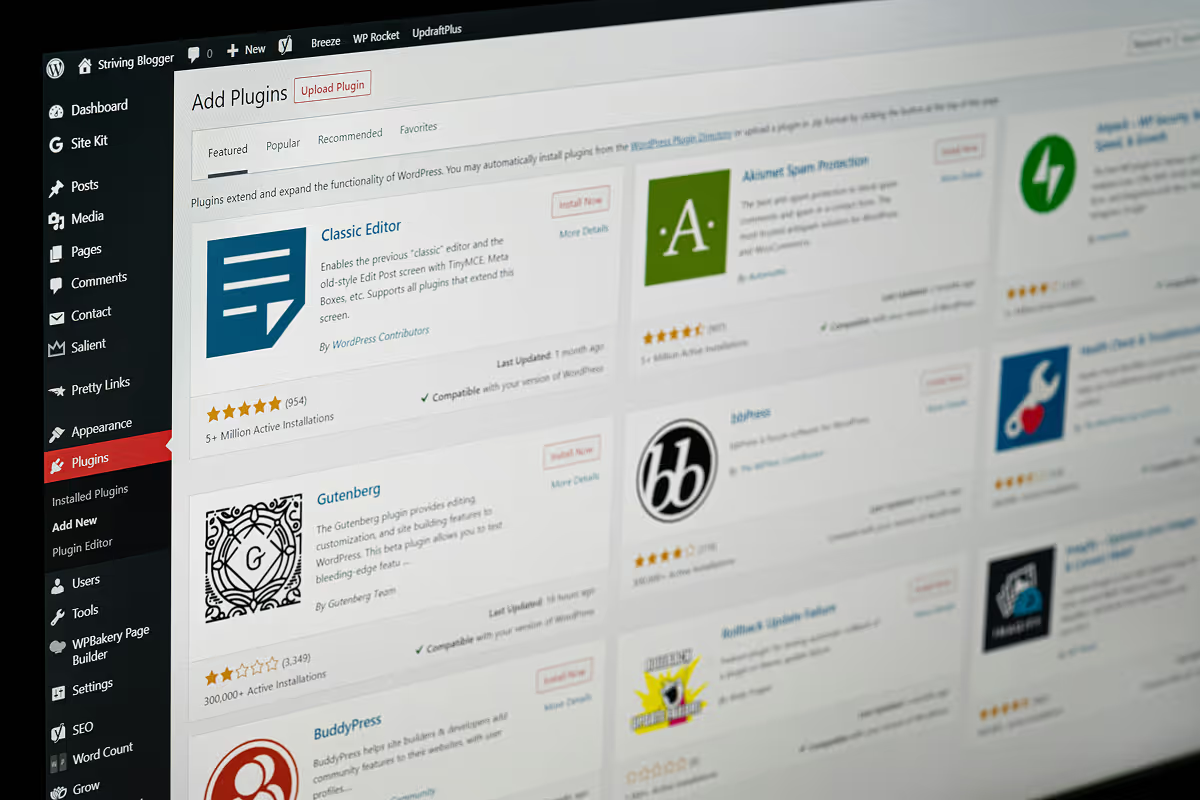
Best for: Content-heavy sites, e-commerce with complex needs, businesses that need custom functionality, developers who already know it.
WordPress powers 40% of the internet. That number is real and it's real for a reason — the plugin ecosystem is enormous, developers are everywhere, and you can build almost anything with it.
The honest downsides for most Kelowna small businesses:
It requires maintenance. Every WordPress site needs regular plugin updates. Skip them and you accumulate security vulnerabilities. The more plugins you have (and most WordPress sites have many), the more things that can break and the more attack surface you're exposed to.
It's slow by default. Out of the box, WordPress is not fast. Getting good PageSpeed scores requires a caching plugin, an image optimization plugin, a CDN, careful plugin selection, and usually a developer who knows what they're doing. Kelowna service businesses running untouched WordPress installs routinely score 30–50 on mobile PageSpeed.
Every change might need a developer. The promise of WordPress is that you can manage it yourself. The reality is that layout changes, new page types, and anything beyond basic text updates often require someone who knows PHP, CSS, and the specific theme you're using.
The right fit: WordPress is genuinely the best option if you run a high-volume content operation (news site, online store with hundreds of products, membership platform), or if you have an in-house developer who maintains it. For most Kelowna service businesses, it's overhead you don't need.
PageSpeed (typical mobile): 35–70 (wide range, highly dependent on setup)
Monthly cost: $15–$50 hosting + plugin costs
Update yourself: Yes (text/images), harder for layout
Developer needed: Often, for anything structural
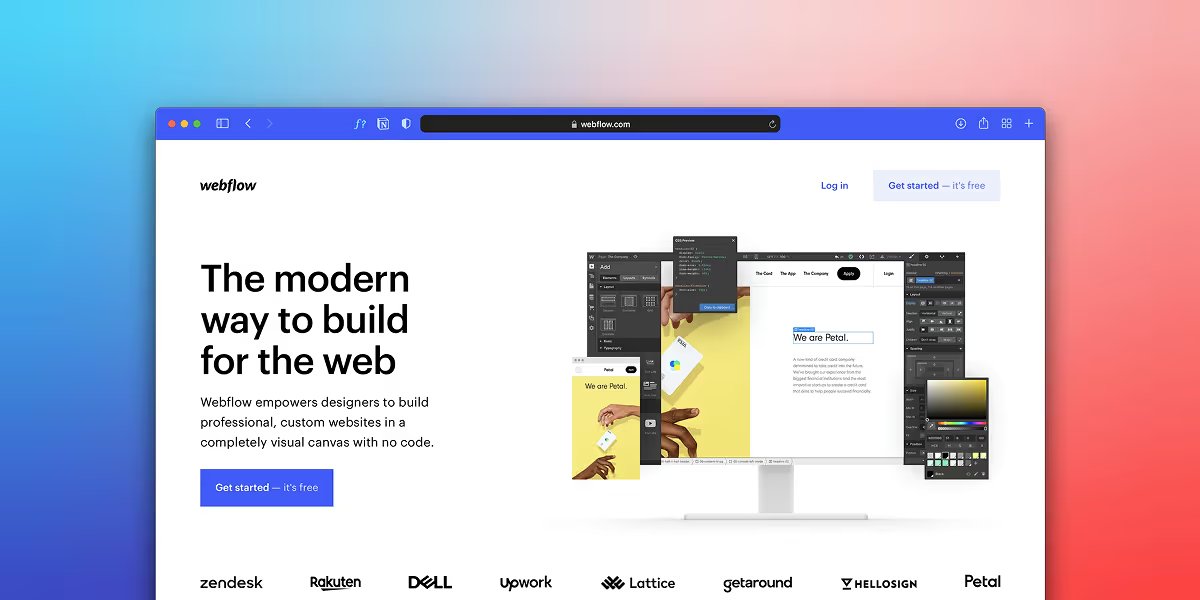
Best for: Service businesses that want conversion-focused design, performance, and the ability to manage their own content without a developer.
Webflow is what we build on at Studio.909, so take this with appropriate salt — but here's why, and here's where it's not the right choice.
Why Webflow wins for most Kelowna small businesses:
Speed without configuration. Webflow sites are served on a global CDN and generate clean, minimal HTML/CSS. You don't need a caching plugin, an image CDN plugin, or a performance specialist. A Webflow site built by someone who knows what they're doing consistently scores 85–98 on Google PageSpeed mobile. That's not just better rankings — it's more visitors staying long enough to read your offer.
No plugins, no vulnerabilities. WordPress security issues are almost always plugin-related. Webflow has no plugin ecosystem — security is handled at the platform level, automatically.
Visual editing you can actually use. The Webflow Editor lets you update text, images, and content anywhere on the site through a visual interface. No dashboard, no PHP, no developer. You click on the text on the page and change it.
Design freedom. Unlike Squarespace, Webflow isn't constrained by template structure. A designer can build exactly what the conversion strategy calls for — not whatever the template allows.
The honest downsides:
Higher upfront cost (Webflow sites require a skilled builder; you can't self-build a good one)
Hosting is $15–$29 USD/month (more than WordPress hosting, less than the accumulated cost of WordPress maintenance)
Smaller developer ecosystem than WordPress — finding a Webflow developer is easier than it was 3 years ago, but still requires knowing where to lookNot the right call for complex e-commerce (Webflow's e-commerce is improving but can't match WooCommerce or Shopify for large product catalogs)
PageSpeed (typical mobile): 85–98
Monthly cost: $15–$29 USD hosting
Update yourself: Yes, fully
Developer needed: Only for structural changes (rare after launch)


This is the part most platform comparisons skip.
A Webflow site scoring 95 on PageSpeed mobile loads in under 2 seconds. A WordPress site scoring 45 loads in 5–7 seconds on a mid-range phone with average LTE.
Google's own data: a 1-second delay in mobile load time reduces conversions by 20%. A 3-second delay reduces them by 53%.
For a Kelowna service business with 300 monthly visitors and a $2,000 average client:
- WordPress site at 45 PageSpeed → roughly 50% of mobile visitors (180 people) abandon before the page loads
- Webflow site at 95 PageSpeed → 180 more visitors actually see your offer
That's not a marginal difference. That's the difference between your marketing working and not working.
Before any project starts, ask:
What platform do you build on, and why?
What will my PageSpeed score be after launch? (Get a specific number, not "it'll be fast.")
What will I need a developer for after launch?
What's the ongoing maintenance cost in your estimate?
Can I see a live example with PageSpeed scores I can verify?
If a designer can't answer these questions, they're optimizing for aesthetics, not performance.
We build on Webflow for every project. Not because it's trendy — because the outcomes are better.
A Webflow-built site loads faster, ranks better, requires less ongoing maintenance, and can be updated by our clients without calling us. For a Kelowna service business where the website is a sales tool (not just a brochure), that combination matters.
Studio.909 is one of a handful of Webflow Certified Partners in BC. That certification means we've been vetted by Webflow directly — we're not just designers who learned the tool from YouTube.
If you're evaluating platforms for an upcoming project — or if you inherited a WordPress site and you're wondering whether to stay or migrate — the free audit is a good place to start. We'll look at your current site, pull your PageSpeed scores, and tell you honestly whether a platform change would move the needle for you.
Studio.909 is a Kelowna-based Webflow design agency. We help BC small businesses figure out where they're losing customers — and fix it.